Press and reviewer kit
Everything needed to introduce Folio.
Product facts, positioning, screenshots, and direct contact for journalists, reviewers, creators, educators, and productivity communities.
What makes Folio different
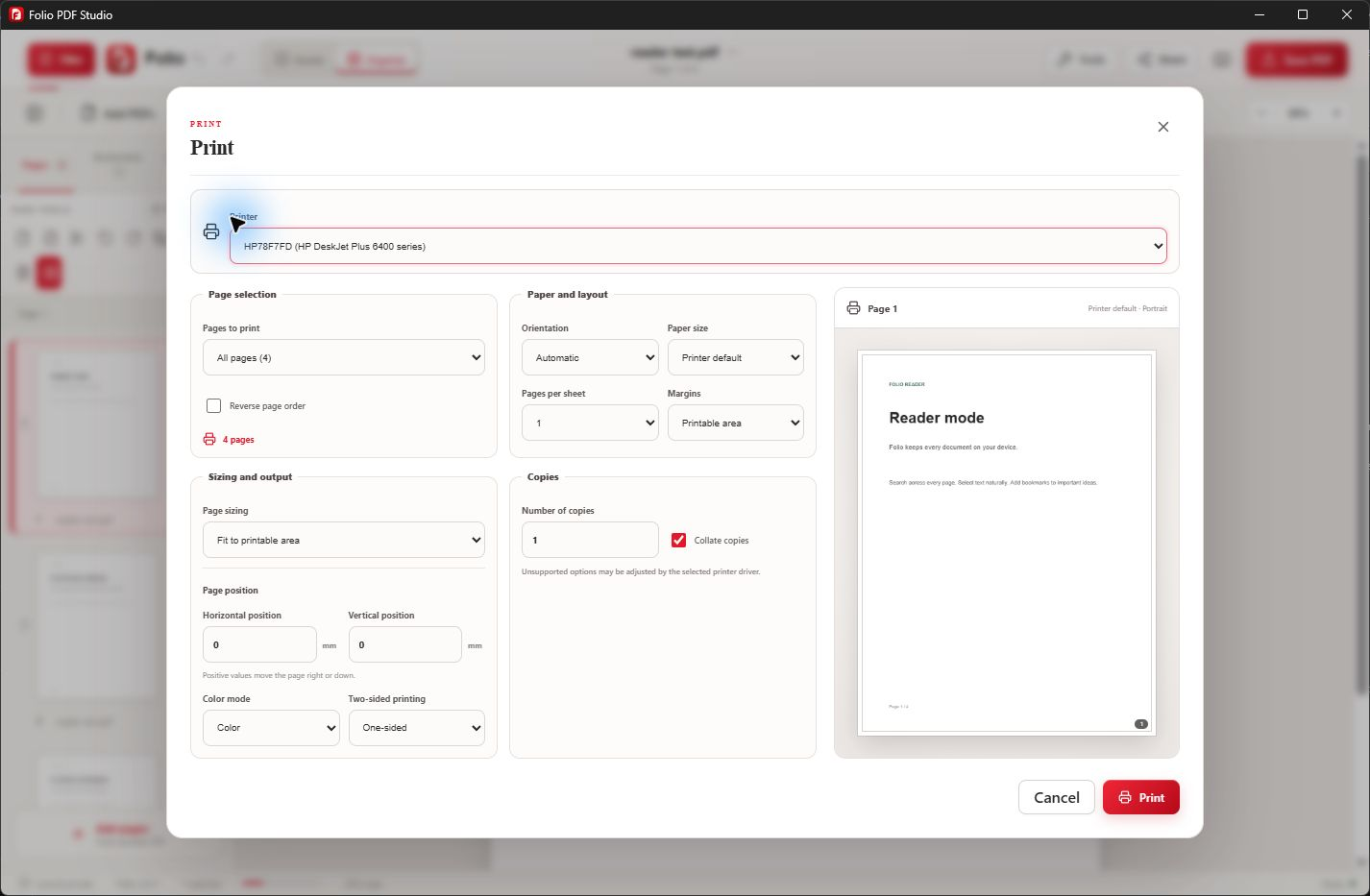
Folio combines complete document workflows with local-first processing, multilingual and right-to-left support, offline OCR, secure redaction, Canva-compatible PowerPoint export, and unusually precise print controls.
Version 2.0.12 improves edited-text previews, Word export handling, export consistency and saving changes to the original file when writable. Export safeguards also help prevent exporting documents with pending redactions before those redactions are applied.
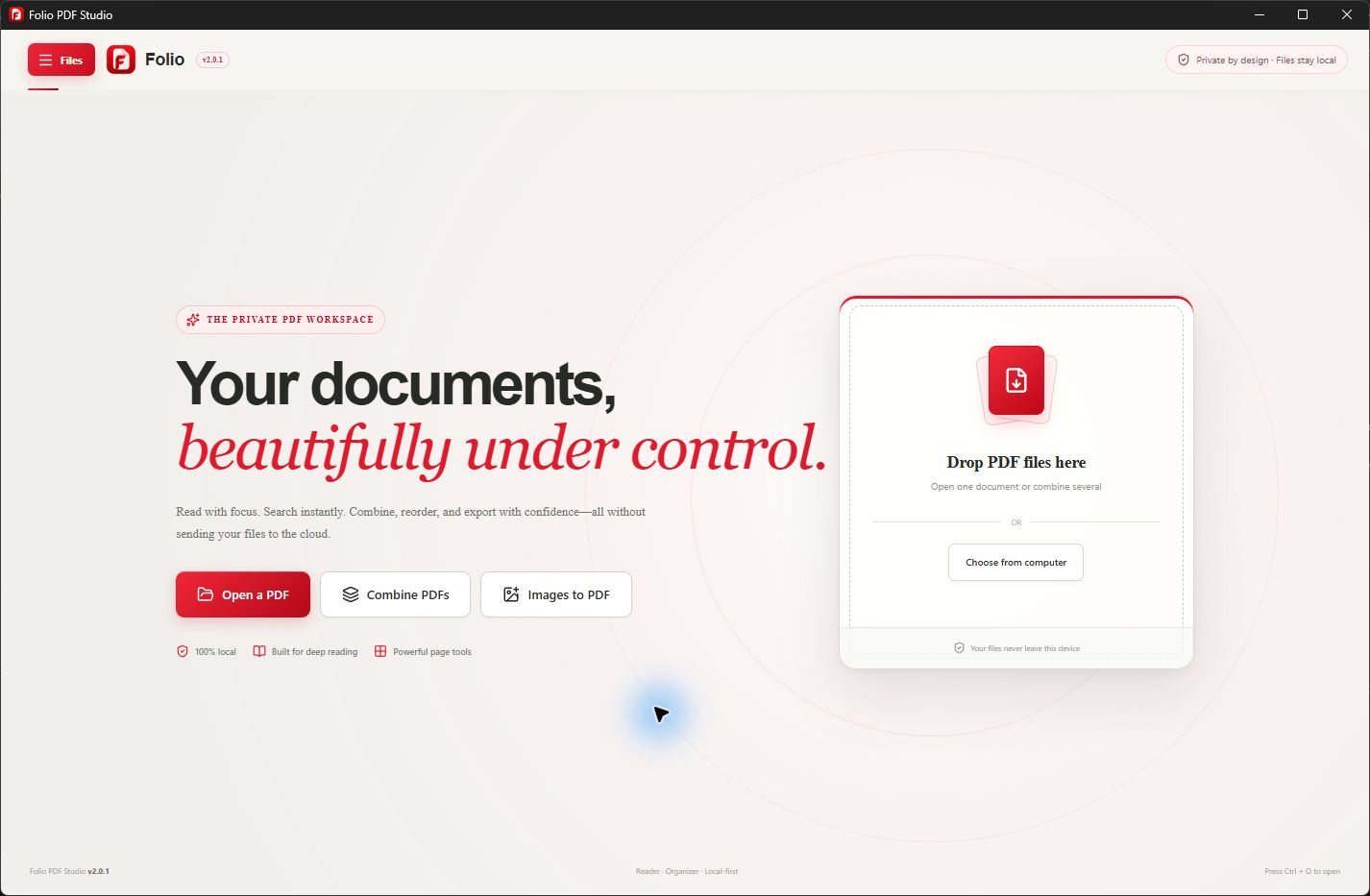
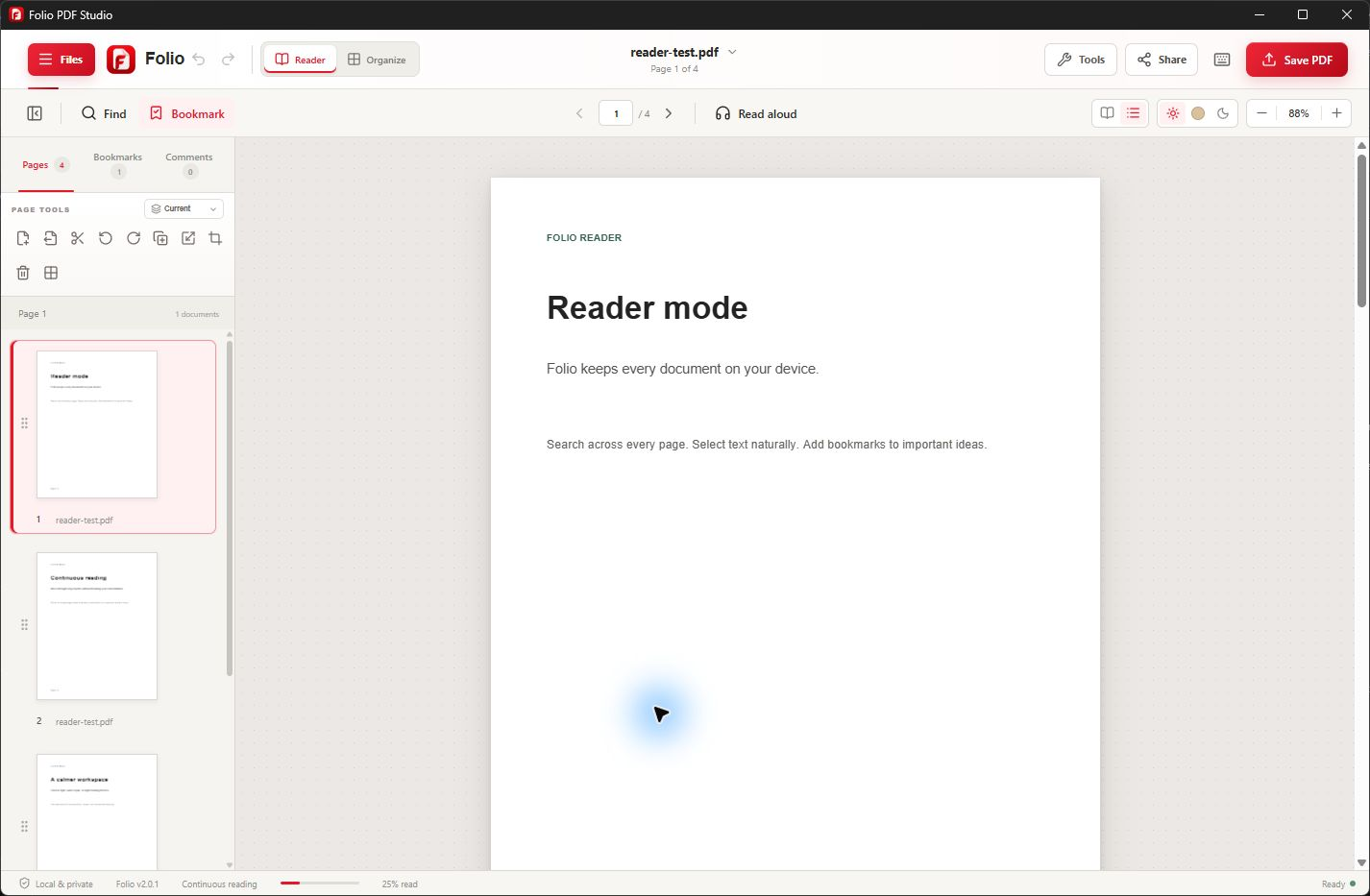
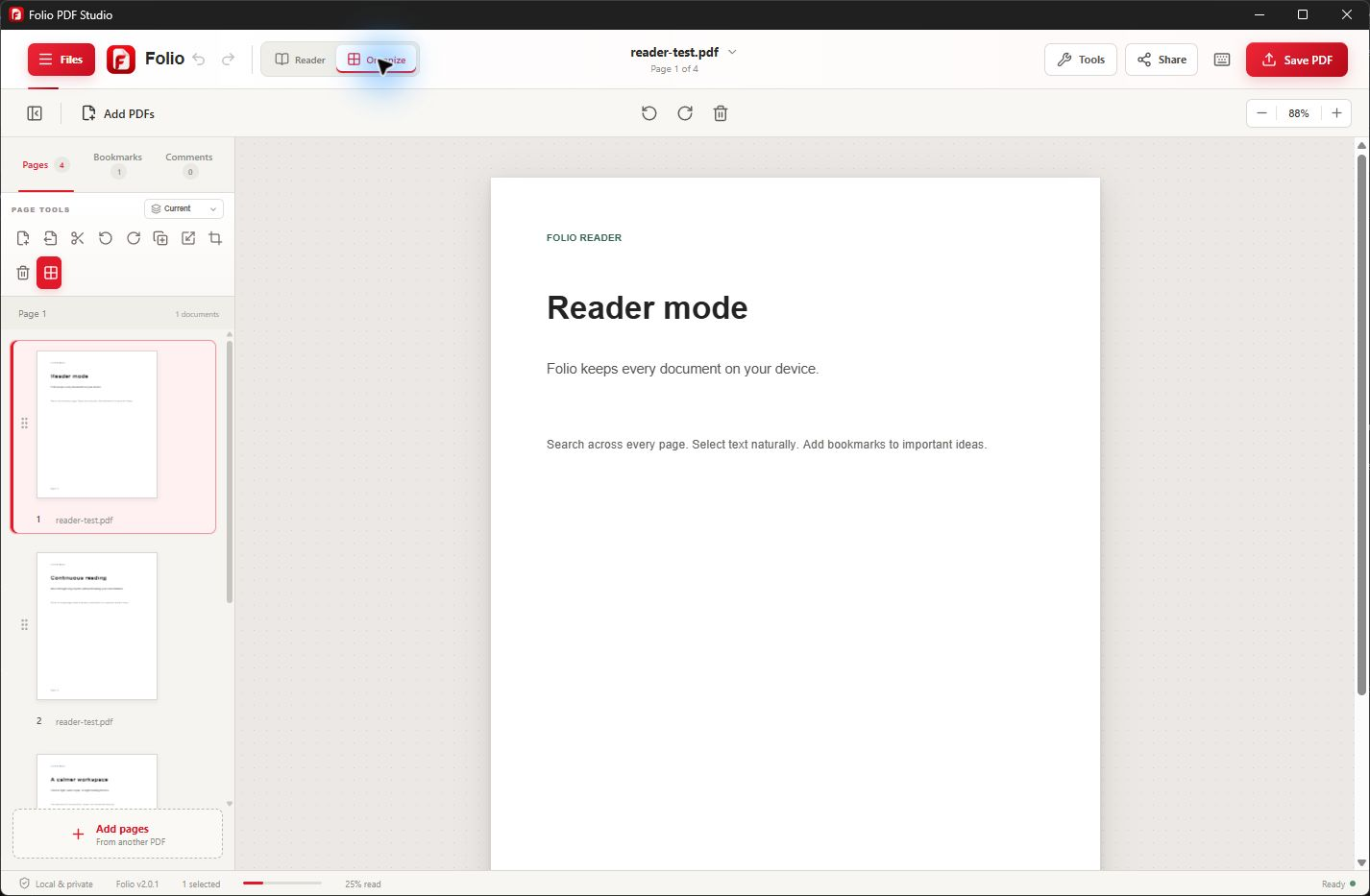
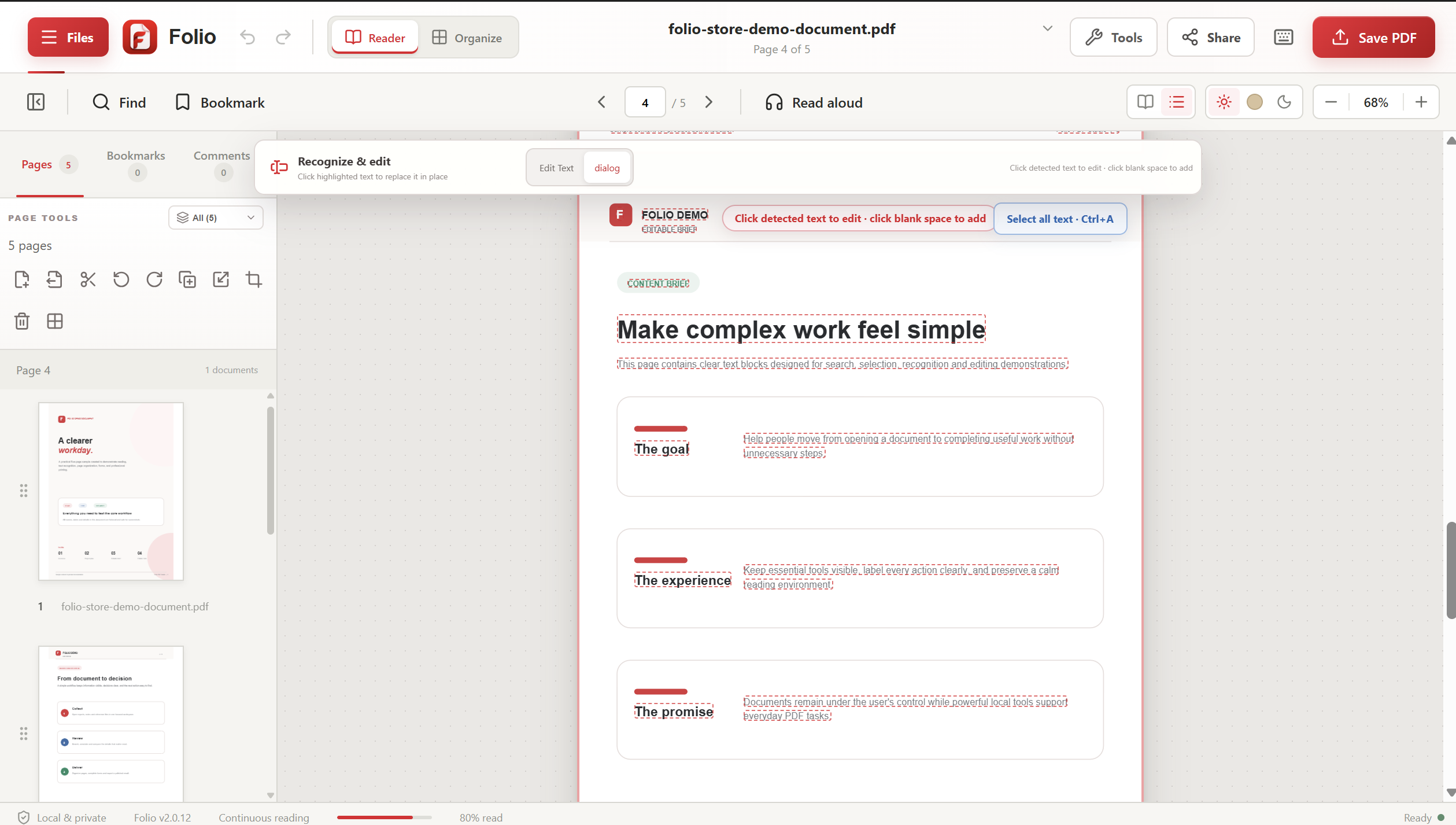
Version 2.0.12 is available in Microsoft Store. These screenshots show the released Windows workspace. Existing customers can check for updates in Microsoft Store.
Watch Folio in action · 27 seconds
One correction. Saved to your PDF.
See a real text edit and Save to Original in Folio PDF Studio 2.0.12, using a fictional sample document.
Silent demonstration with English captions. The local folder path is hidden for privacy. Save to Original requires a writable file.
Read the demonstration transcript
Select the heading “A clearer” in the sample PDF, change it to “A clear”, and apply the edit. Review the updated page, choose Save PDF, then Save to Original. Confirm replacing the opened PDF. Folio displays a successful export notification.
Approved media assets
Product screenshots and social artwork
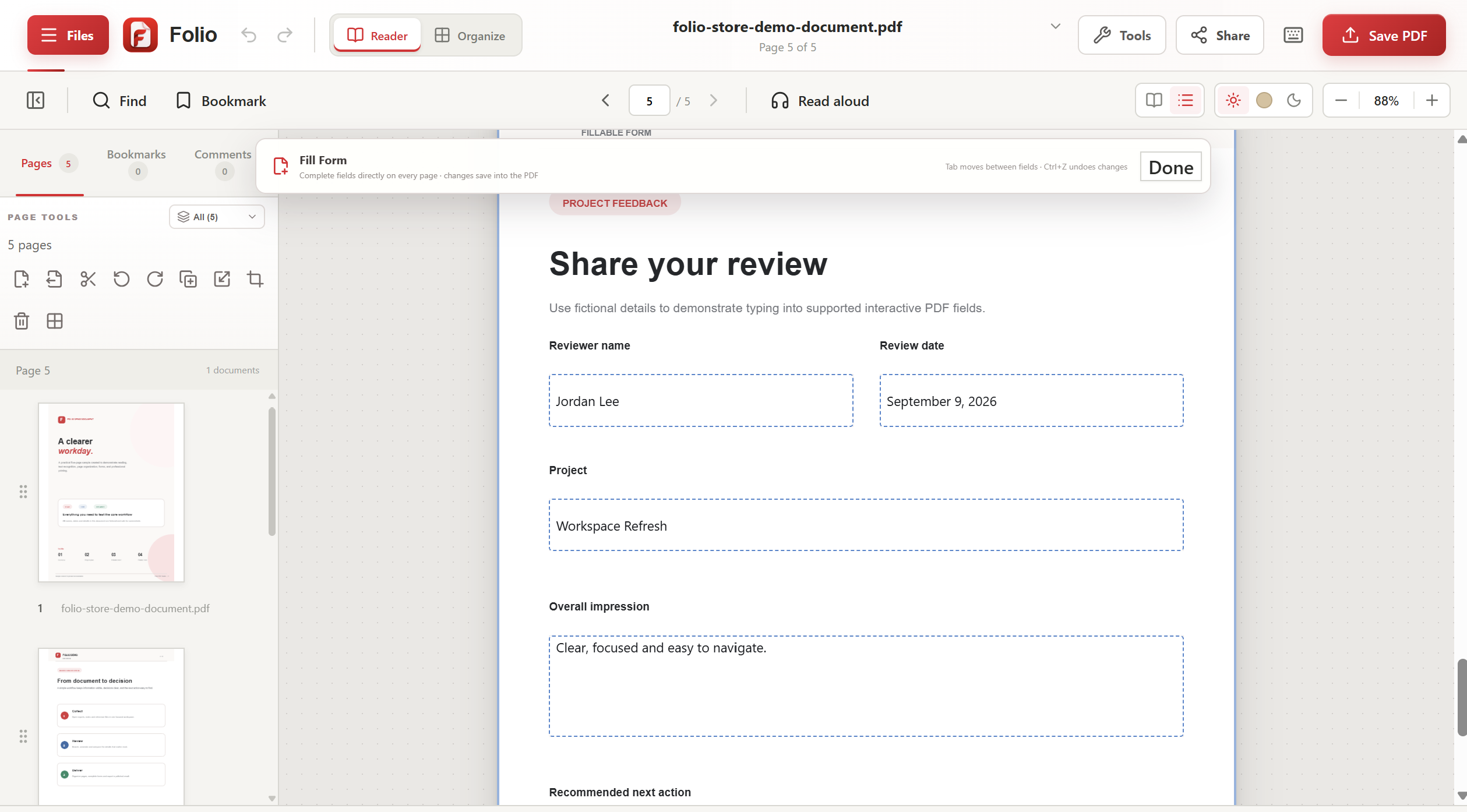
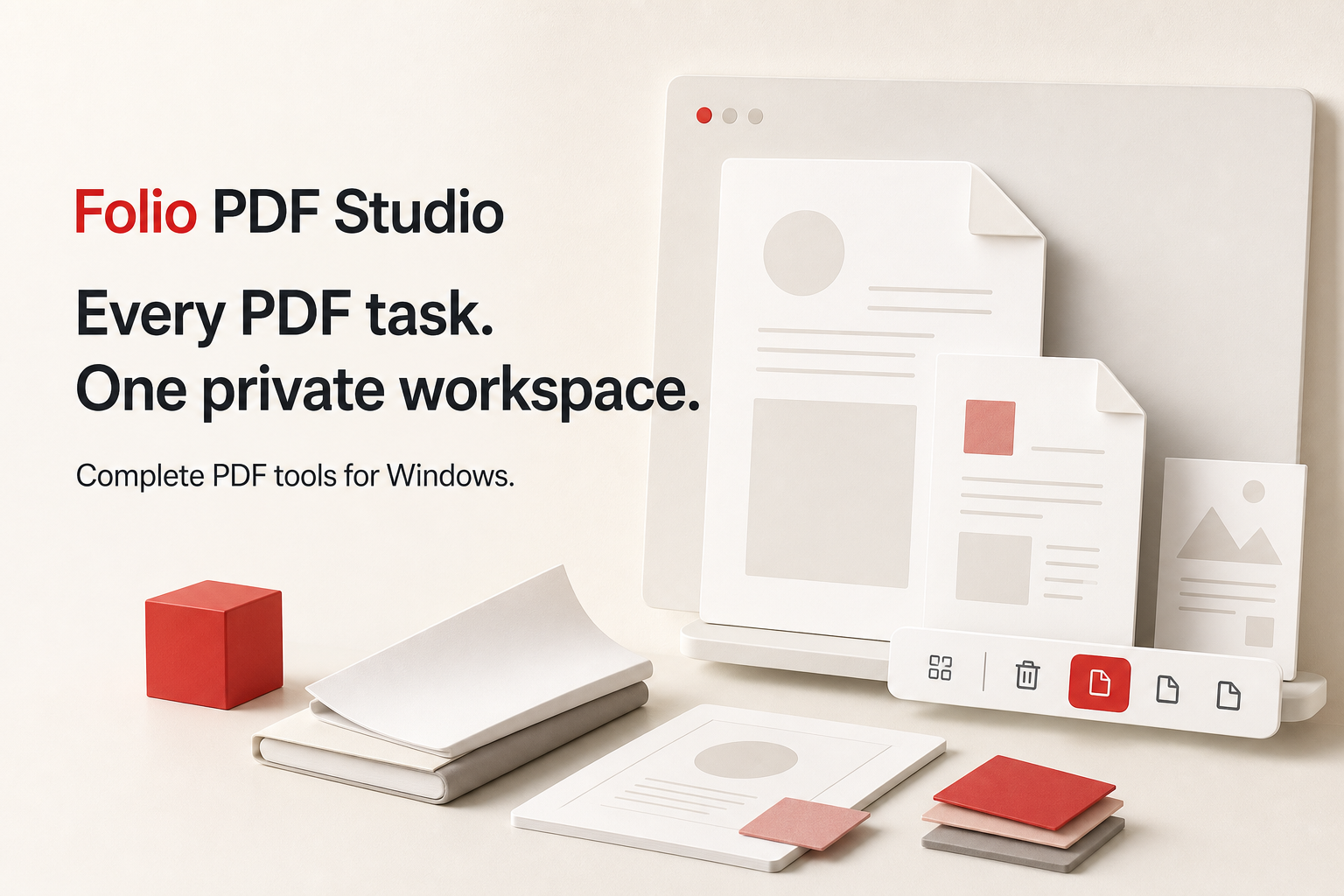
Use these unmodified images when covering Folio PDF Studio. Each image opens at full resolution and can be saved directly.
Need something specific?