Edit recognized text
Update text detected in supported PDFs while keeping the document workflow inside the desktop app.
Folio PDF Studio brings editing, page organization, OCR, conversion, security, and professional printing into one focused Windows workspace.
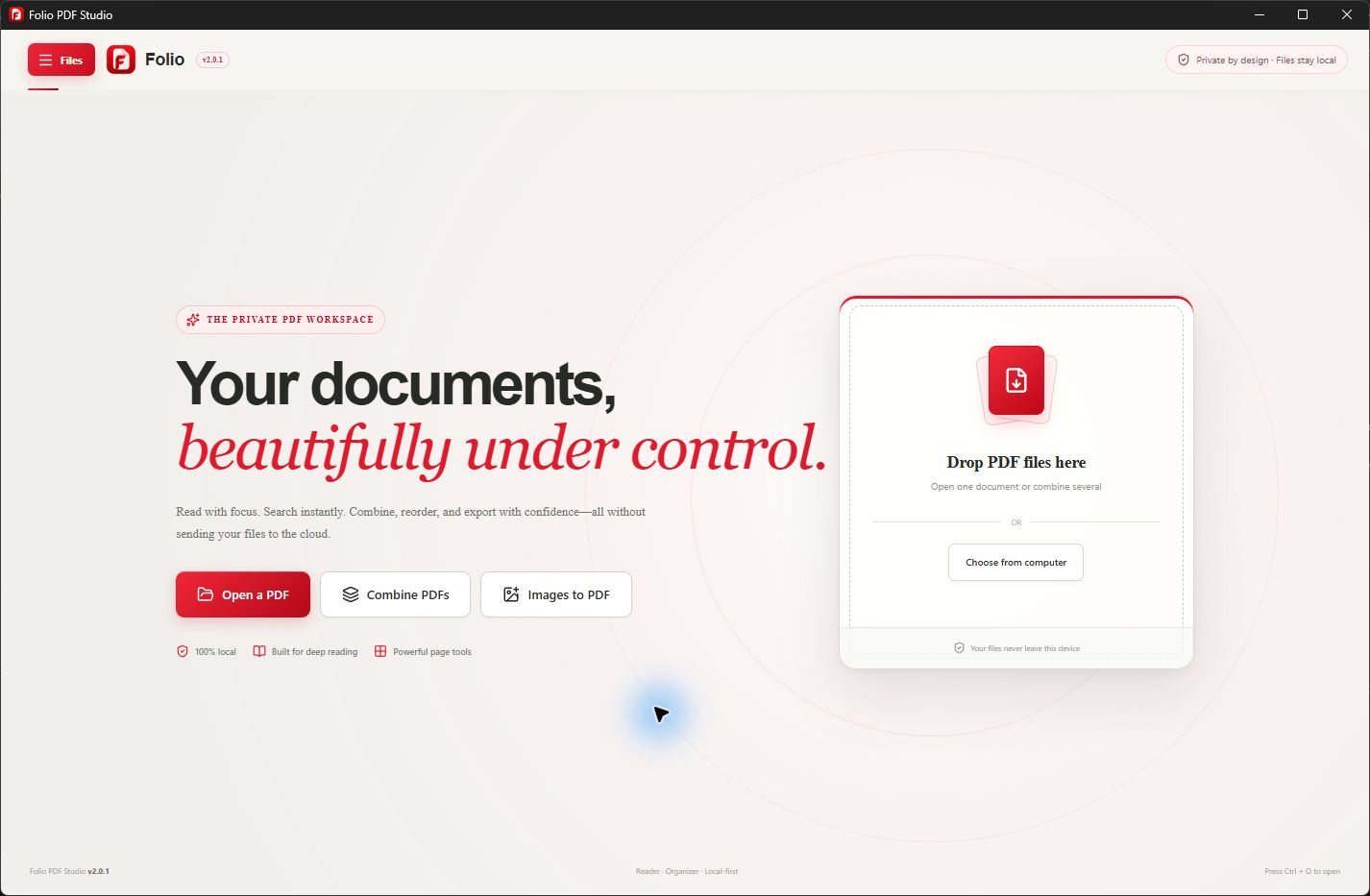
A focused Windows workflow
A useful PDF editor should help you finish the document, not create more handoffs. Folio keeps reading, editing, organizing, OCR, conversion, protection, and printing in the same Windows application.
Core PDF processing happens locally on your device. That makes Folio a practical choice for contracts, reports, forms, scans, and other documents that should stay close to the person working on them.
Useful from the first document
Folio keeps related PDF tasks together so you can finish the document without moving sensitive content between unrelated services.
Update text detected in supported PDFs while keeping the document workflow inside the desktop app.
Add comments, highlights, form entries, and signatures during review and approval work.
Combine, split, reorder, rotate, crop, resize, and extract pages from one visual workspace.
Make scanned documents searchable using offline OCR across 13 supported languages.
Create editable Word, Excel, PowerPoint, and Canva-compatible presentation files.
Redact sensitive information and control professional print settings with a live preview.
Simple by design
Open your PDF in Folio on Windows. Keep a backup before changing an important document. A scanned page may need OCR; a password-protected file may require its opening password.
Use the text-editing tools to select detected text and make a small correction. Check the surrounding words, spacing and page layout. If text cannot be selected, check whether the page is a scan rather than adding repeated text overlays.
Save a copy to preserve the source. Saving over the original replaces that file, so only choose it when you intend to overwrite it and have write access. Reopen the saved PDF to review the final result before sharing.
Common questions
Core PDF processing stays on your Windows device. Folio does not upload document content to Folio servers.
The page may be an image, the text may use unsupported font encoding, or the document may have restrictions. For a scan, OCR can recognize text, but recognition does not guarantee that every layout becomes directly editable. Check the recognized text before using it. Read the OCR guide.
Use a copy when you want to keep the original unchanged, compare versions or preserve a signed source. Saving over the original replaces the source file. If the file is read-only or stored in a location you cannot write to, save a copy in a writable folder. Save options depend on the installed app version.
For substantial changes, converting to Word may be more practical than editing individual text elements. Review the exported layout and make corrections before creating your final PDF. Scans and complex tables can require extra cleanup. Explore PDF-to-Word conversion.
You need authorization to edit the document and any required opening password. An encrypted PDF cannot be assumed to open without its password. If you do not have it, ask the document owner for the password or an editable copy.
No. Covering text or placing new text over it is not secure redaction; underlying content may remain recoverable. Use the dedicated redaction workflow and review the sanitized output before sharing sensitive documents.
Changing a digitally signed PDF can invalidate its signature. Preserve the signed original and work on a separate copy if changes are needed; arrange a new signature for the revised document when appropriate.
Yes. Folio PDF Studio supports Windows 10 and Windows 11 and is distributed through Microsoft Store.
No. Folio is a Windows desktop app. Core PDF processing and OCR run locally rather than uploading document content to Folio servers.
Folio offers a seven-day free trial and a one-time purchase with no subscription. Microsoft Store shows the current price for your region and whether your account is eligible for the trial.
One Windows app. One clear purchase.