Export to Word
Create an editable Word document from supported PDF content on your Windows device.
Folio PDF Studio converts supported PDFs into editable Word files on Windows, with local OCR available when the source document is a scan.
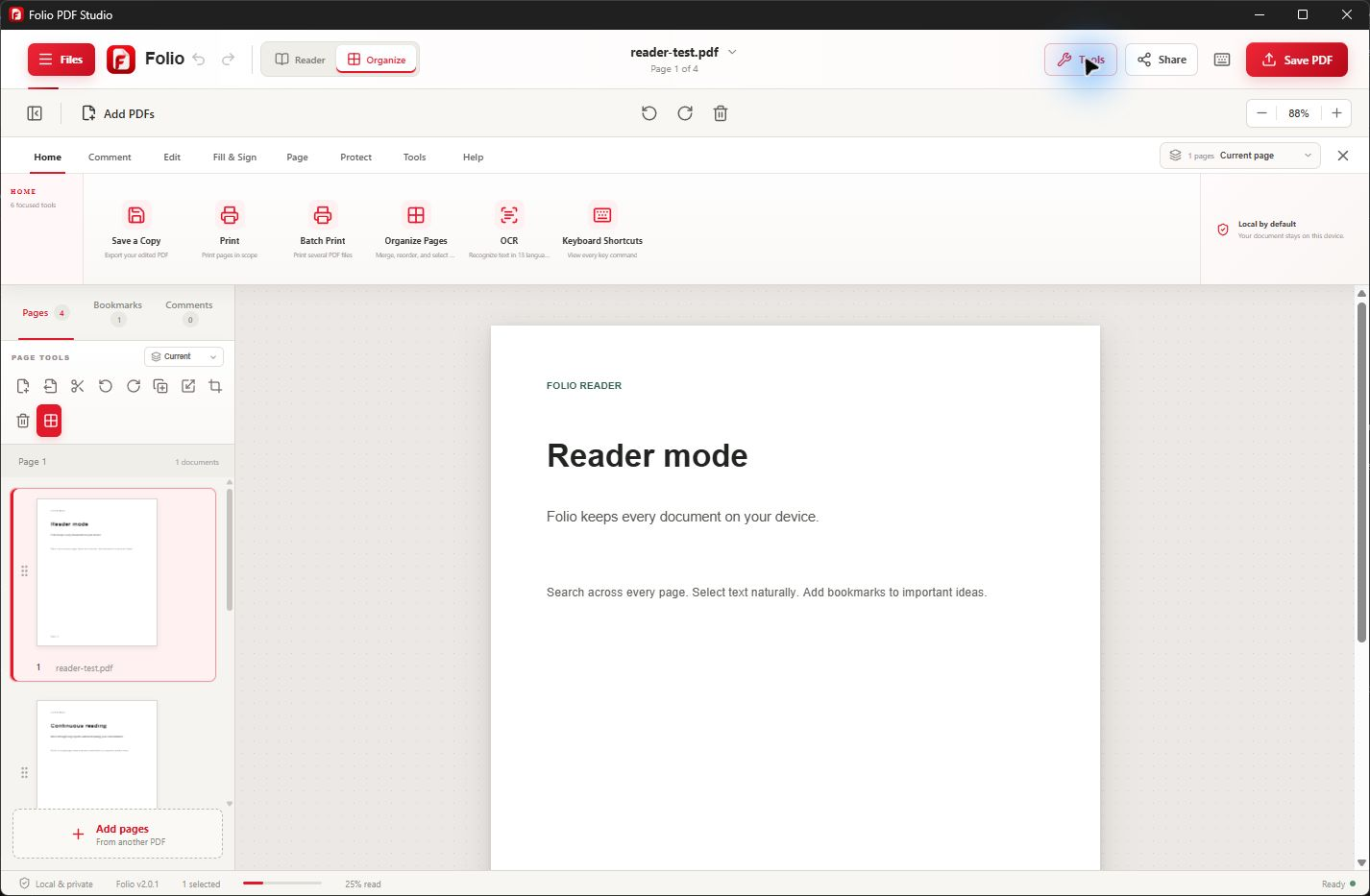
A focused Windows workflow
PDFs are designed to preserve appearance, while Word documents are designed for editing. Folio helps move supported PDF content into a Word file when the next step requires rewriting, collaboration, or reuse.
If the source is a scanned PDF, run offline OCR first so supported text can be recognized. Conversion results depend on document complexity, fonts, tables, images, and scan quality, so the exported file should always be reviewed.
Useful from the first document
Folio keeps related PDF tasks together so you can finish the document without moving sensitive content between unrelated services.
Create an editable Word document from supported PDF content on your Windows device.
Run offline OCR across 13 supported languages before converting image-based documents.
Search, inspect, and organize the PDF before creating the editable output.
Reorder, rotate, crop, split, or extract pages so the conversion contains the right material.
Export supported content to Excel, PowerPoint, and Canva-compatible presentation files when those workflows fit better.
Folio does not upload PDF content, extracted text, or OCR results to Folio servers.
Simple by design
Keep the original PDF. Open a document you are authorized to use and check whether its text can be selected. Image-only scans need OCR first; protected documents may require the correct password or an accessible copy from their owner.
For a scan, run OCR with the matching language and check the recognized text. Prepare the pages you need, then choose Word export in the conversion tools and save the output as a separate document.
Open the exported document in a compatible Word editor. Compare names, numbers, paragraph order, tables, images, and page breaks with the PDF. Correct formatting and recognition errors before sharing or printing.
Common questions
Core PDF processing stays on your Windows device. Folio does not upload document content to Folio servers.
Folio can run offline OCR on supported scans before Word export. Results vary with scan clarity, language, and layout complexity. See how PDF OCR for Windows prepares scanned text for conversion.
PDF and Word use different layout models, so complex formatting may require adjustment after conversion. Review every exported document.
No. Core conversion preparation and OCR occur locally, and Folio does not upload document content to its servers.
A PDF stores positioned page content rather than the same paragraph and table structure used by Word. Complex columns, merged cells, and unusual fonts may need manual cleanup. Keep the source PDF alongside the export for comparison.
The source may be an image-only scan, use unusual character encoding, or contain poor-quality text. For scans, check OCR language and clarity first. Compare important values manually rather than assuming the export is complete. Troubleshoot scanned text with the OCR guide.
For a small correction, direct PDF editing may avoid a full conversion. Word export is more useful when you need to rewrite larger sections or reuse content. Review the result whichever route you choose. See when to edit the PDF directly.
Word export creates a different document format. Keep your original PDF as the reference and save the Word output separately. A converted document is not a replacement for an original digitally signed PDF.
Check that the document opens correctly and that the output folder is writable. Try a smaller, non-sensitive document to help describe the issue. Contact support with your app version and the error message, without sharing passwords or confidential content. Get help with conversion.
One Windows app. One clear purchase.